Overview
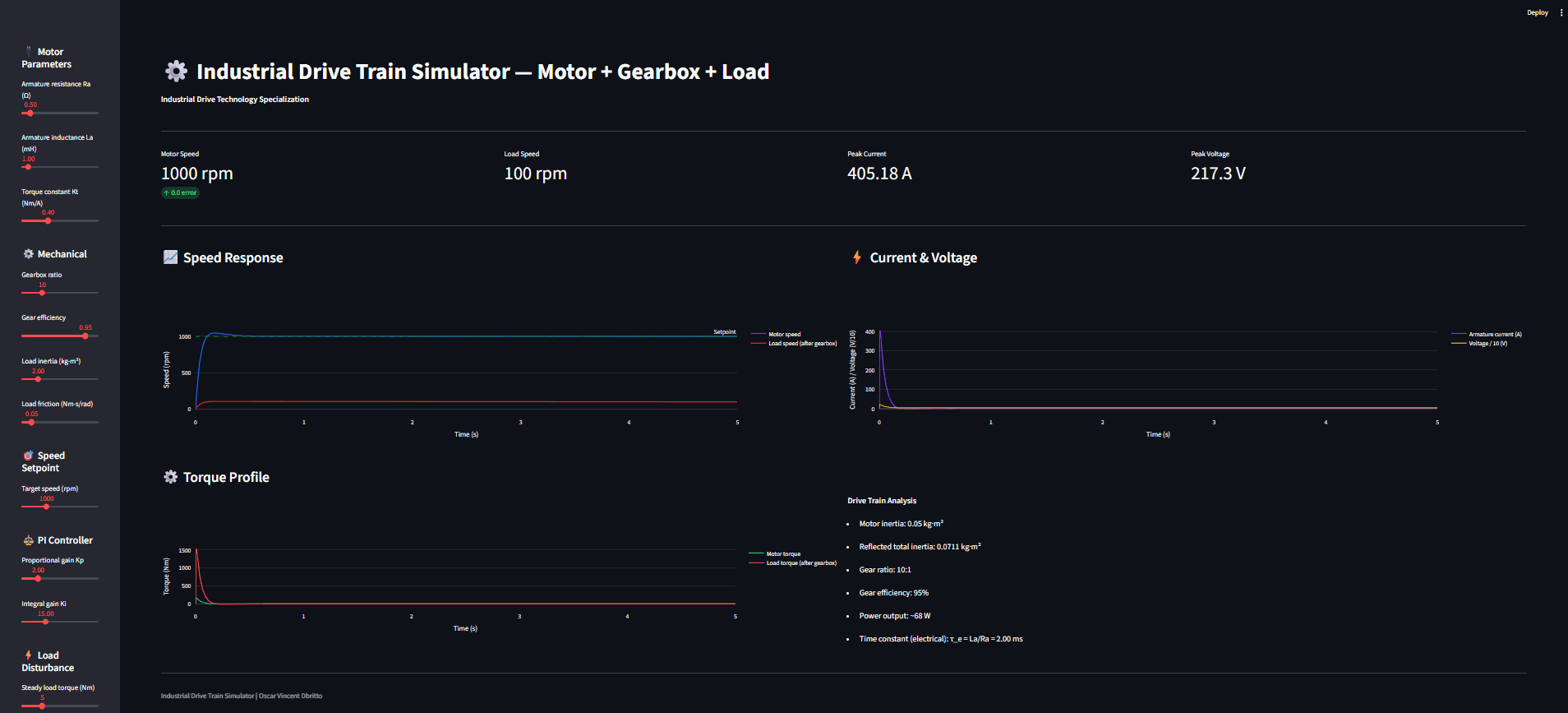
A web-based simulator for an industrial drive train that combines DC motor electrical dynamics, gearbox modeling, and inertial load mechanics into one closed-loop system. The model runs with a PI speed controller (with anti-windup) so you can see how real drive systems track a speed setpoint, react to load changes, and trade off speed vs stability during controller tuning.
At its core, the simulator integrates the coupled equations:
Electrical: V=iRa+Ladidt+KbωV=iRa+Ladtdi+Kbω
Mechanical: Jeqdωdt=Kti−Beqω−Tload,refJeqdtdω=Kti−Beqω−Tload,ref
with gearbox efficiency and inertia reflection.
The Dashboard
KPIs: final motor speed, load speed (after gearbox), peak current, peak voltage
Speed response plot: motor speed and load speed vs time with setpoint reference
Current & voltage plot: startup current spike and voltage command behavior
Torque profile: motor torque and reflected load torque over time
Parameter controls: motor constants, gear ratio/efficiency, load inertia/friction, PI gains, and optional load-step disturbance
Scenarios Demonstrated
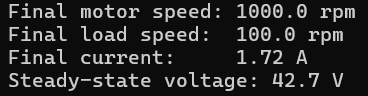
Engine sanity check (numerical output)
Confirms the motor reaches the setpoint and gearbox reduces speed as expected.
Gear ratio effects (e.g., 50:1)
Shows how load speed drops (1000 rpm motor → ~20 rpm load) and how reflected inertia changes system response.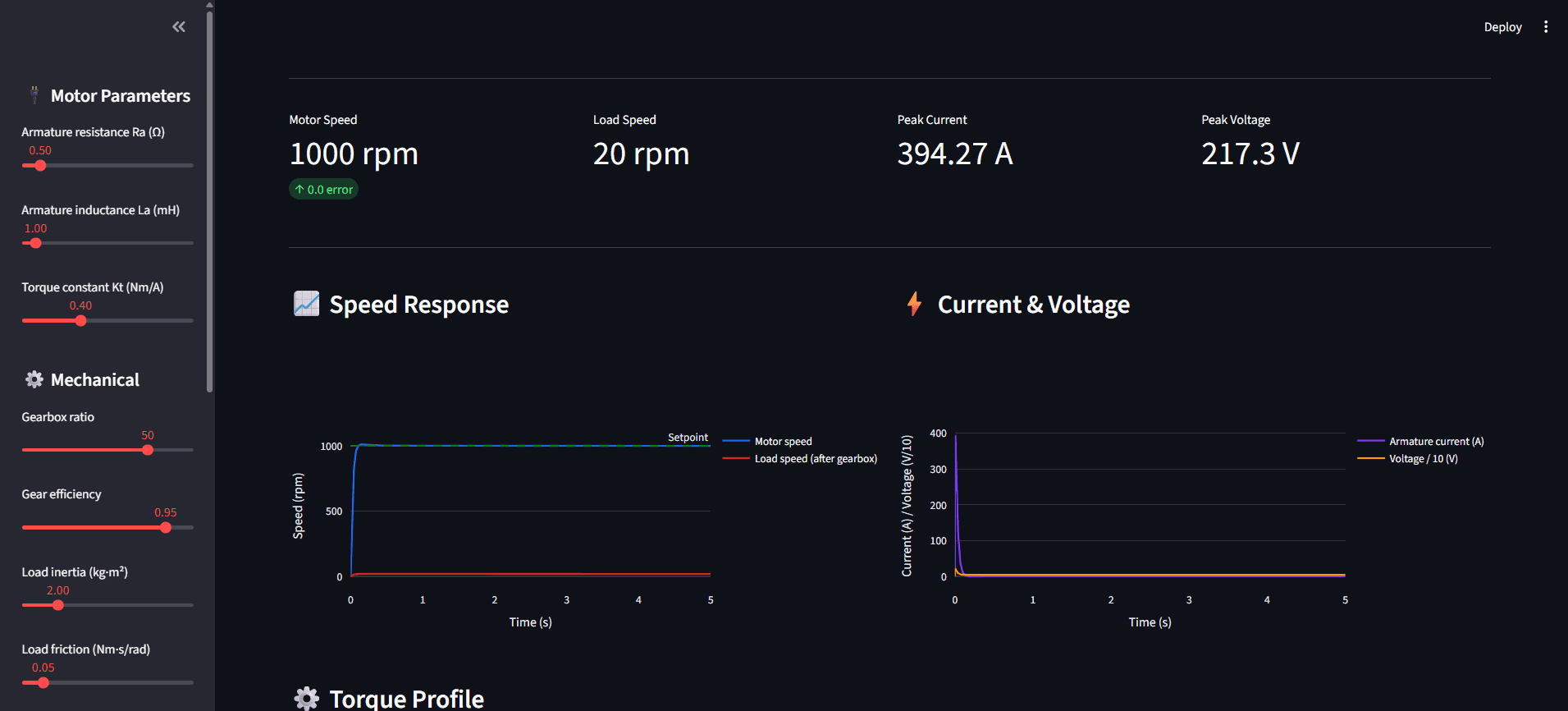
PI tuning trade-off (aggressive gains)
Higher Kp/Ki improves rise time but increases peak current/voltage and can introduce overshoot/oscillation risk.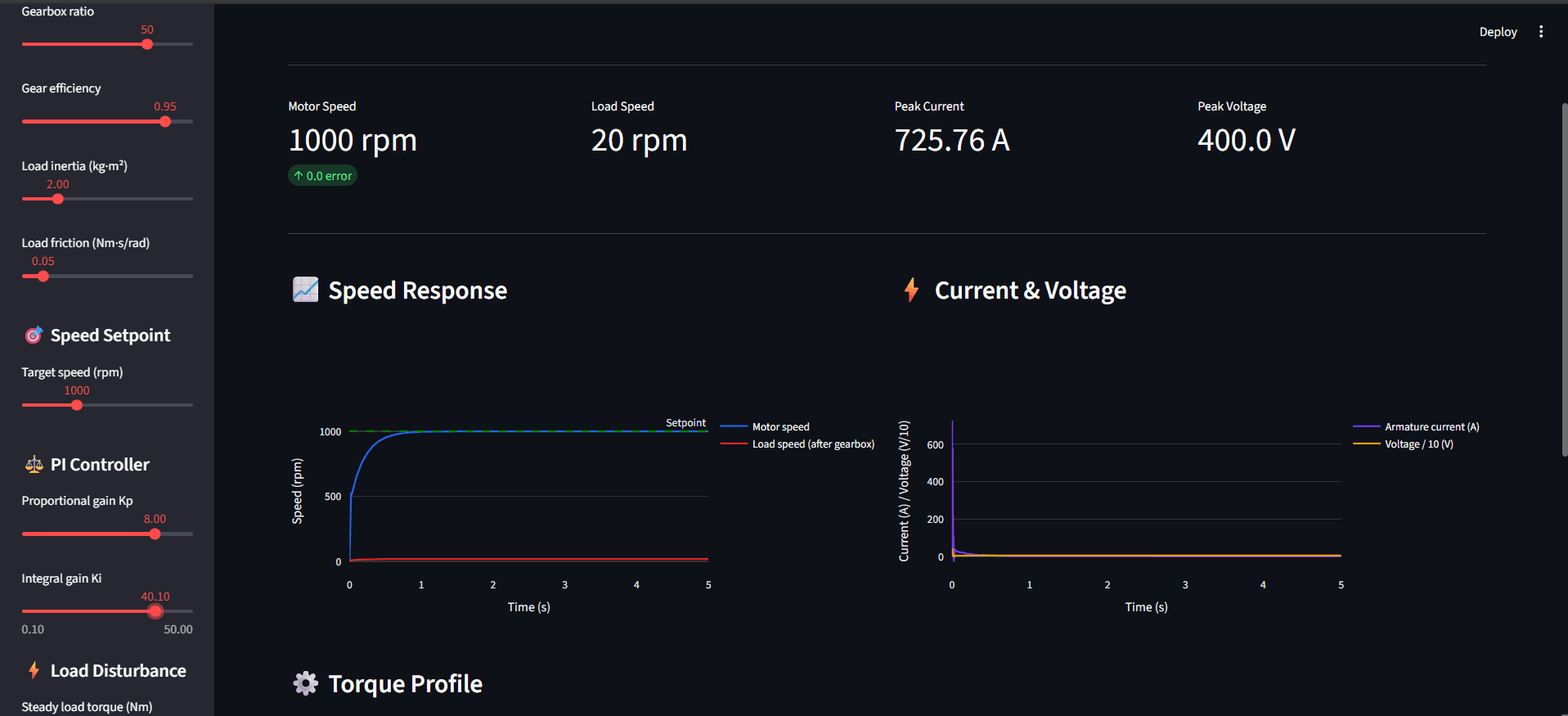
Disturbance rejection (load step at t = 2 s)
Inject a torque step and observe the speed dip and recovery as the PI controller corrects the error.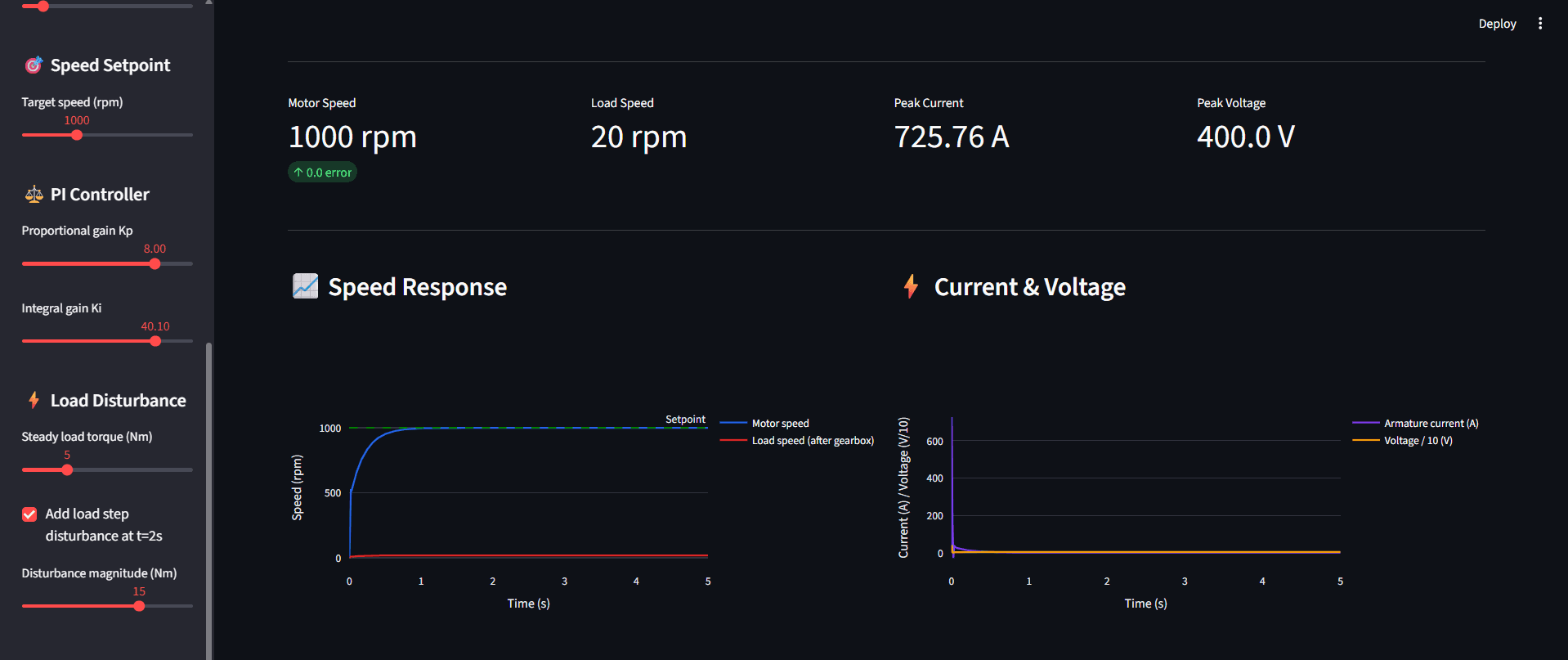
High inertia load
Higher inertia slows acceleration and sustains higher current demand longer—useful for understanding inertia matching.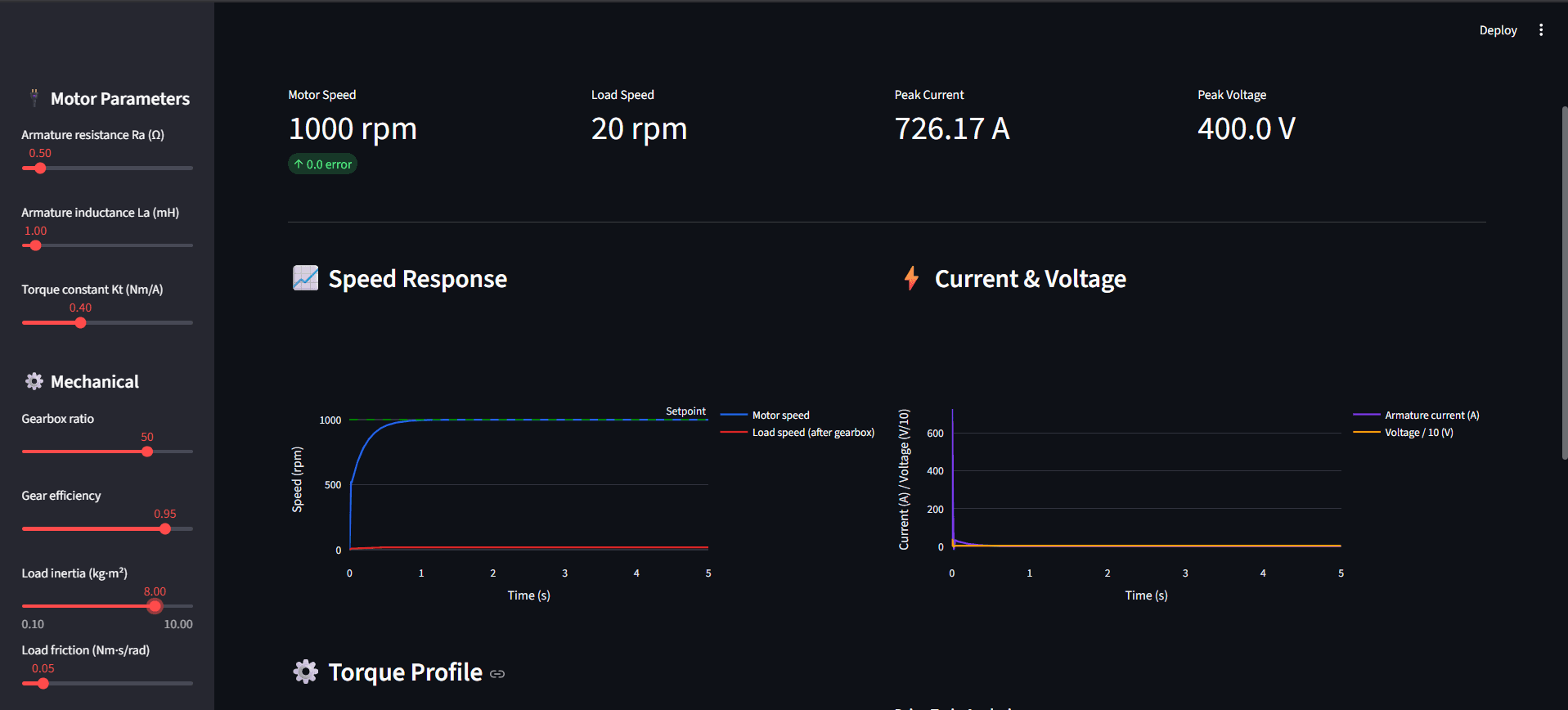
Live Demo
Open Simulator
Note: If the screen says "This app has gone to sleep due to inactivity." please click on restart app.